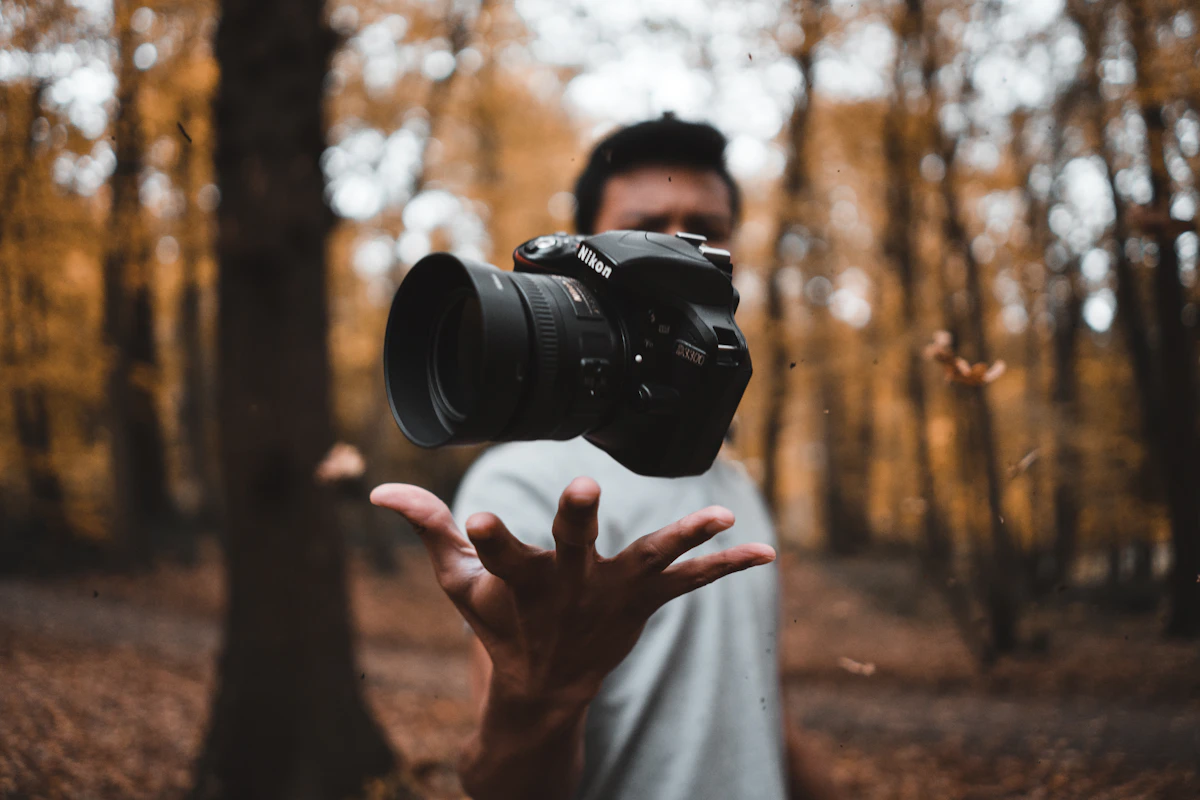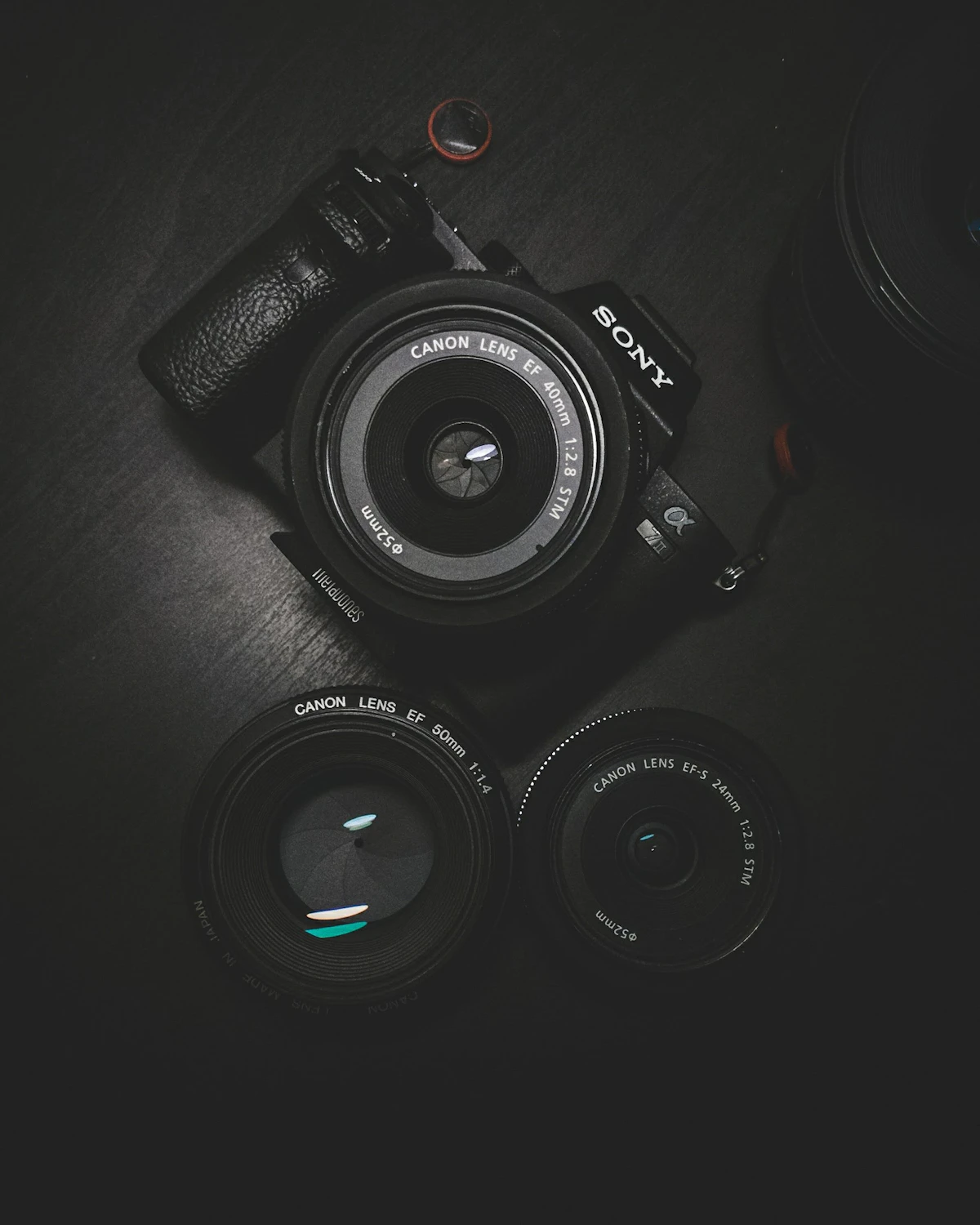
You do not need a $3,000 camera to create professional-looking content. The camera technology in 2026 has reached a point where budget-friendly options under $800 can produce videos and photos that rival cameras costing three times as much. Autofocus systems are faster, image stabilization is better, and 4K video is standard even at entry-level price points.
Key Takeaways
- What Content Creators Need in a Camera
- 1. Sony ZV-E10 II — Best Overall for Creators
- 2. Canon EOS R50 — Best for Beginners
- 3. Fujifilm X-S20 — Best Image Quality
This guide compares the best budget cameras specifically for content creation — YouTube videos, TikTok clips, Instagram photography, and live streaming. Every camera on this list was evaluated for video quality, autofocus performance, flip screen availability, microphone input, and overall value for creators who need reliability without the premium price tag.
What Content Creators Need in a Camera
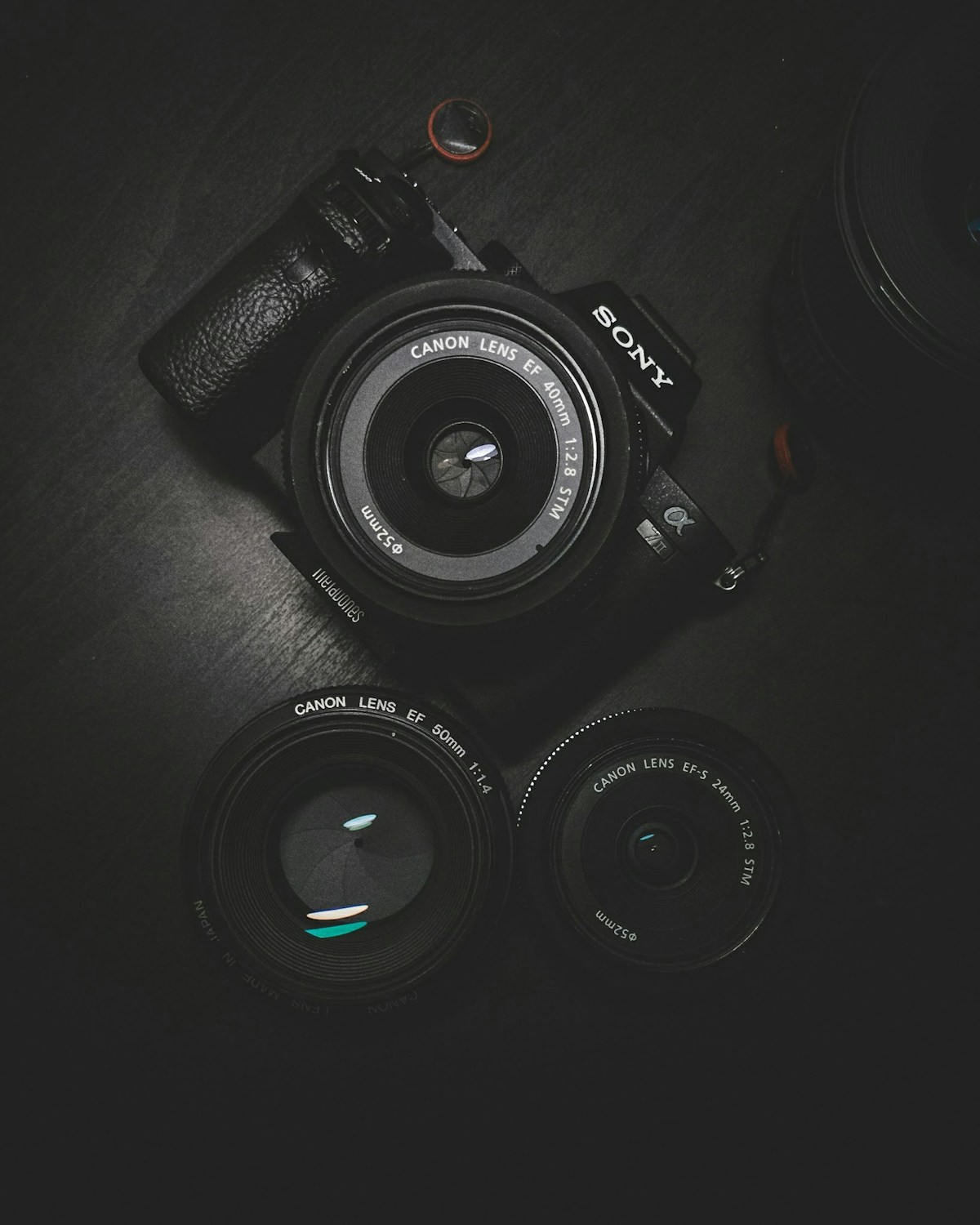
Before comparing specific models, here are the features that matter most for content creation:
- Flip screen — Essential for vlogging and self-recording. You need to see yourself while filming
- Good autofocus — Eye-tracking AF keeps you sharp while moving around the frame
- 4K video at 30fps minimum — The standard for YouTube and professional-looking content
- External microphone input — Built-in microphones are insufficient for quality content. A 3.5mm mic jack is critical
- Image stabilization — In-body or electronic stabilization for handheld shooting
- No recording time limits — Some cameras stop recording after 30 minutes due to legacy tax regulations
- Clean HDMI output — For live streaming setups
- Compact and lightweight — You will carry this everywhere
1. Sony ZV-E10 II — Best Overall for Creators
The ZV-E10 II is Sony''s dedicated content creator camera, and it shows. Every feature has been designed with YouTubers, vloggers, and streamers in mind. It shoots 4K at 30fps with excellent color science, has a fully articulating flip screen, and features Sony''s industry-leading autofocus system with real-time eye tracking.

Pros
- Outstanding autofocus — tracks eyes reliably even in challenging conditions
- Background defocus button blurs the background with a single tap
- Product showcase mode automatically shifts focus to items held in front of the camera
- Interchangeable lens system allows growth as your needs evolve
- Excellent low-light performance with the APS-C sensor
- USB-C charging and power delivery
Cons
- Kit lens is average — you will want to upgrade eventually
- Electronic viewfinder is absent at this price point
- Battery life is modest at about 80 minutes of continuous video recording
- Rolling shutter can be noticeable with fast panning
Price: Around $700-$800 with kit lens
Best for: YouTube creators, vloggers, and anyone who wants the best autofocus in a budget creator camera. For more on this, see ASEAN Nations Strengthen Regional Cooperation Agreement.
2. Canon EOS R50 — Best for Beginners
The EOS R50 is Canon''s entry-level mirrorless camera, and it strikes an excellent balance between ease of use and image quality. Canon''s color science is widely considered the most flattering for skin tones, which matters enormously for face-to-camera content. The guided menus help beginners learn camera settings without feeling overwhelmed.
Pros
- Canon''s renowned color science produces beautiful, natural skin tones
- Beginner-friendly interface with guided mode and automatic scene detection
- Compact and lightweight body
- Fully articulating flip screen
- Access to Canon''s extensive RF-mount lens ecosystem
Cons
- 4K video has a noticeable crop, making wide-angle shots difficult
- Electronic image stabilization is limited compared to competitors
- Micro HDMI port instead of full-size HDMI
- Autofocus in video is good but not as tenacious as Sony
Price: Around $550-$650 with kit lens
Best for: First-time camera buyers who want beautiful images with minimal learning curve.
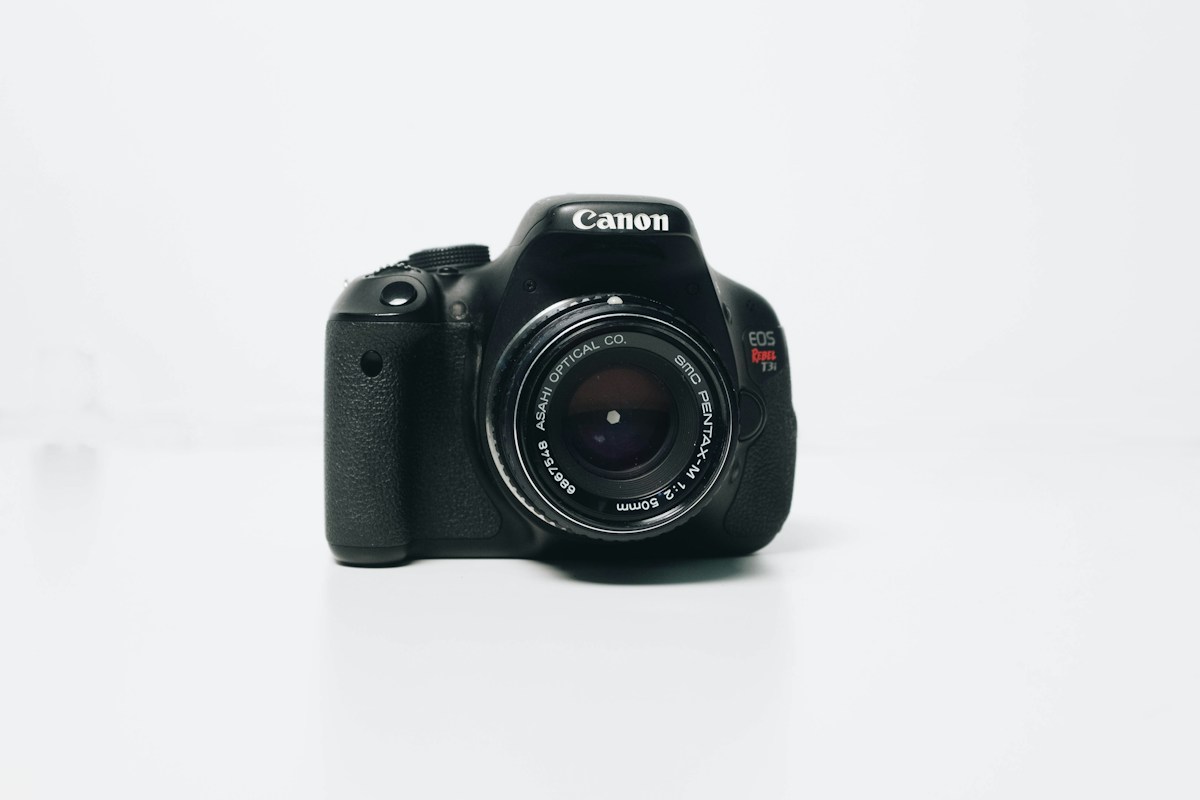
3. Fujifilm X-S20 — Best Image Quality
The X-S20 punches well above its weight class in image quality. Fujifilm''s film simulation modes produce distinctive, cinematic colors straight out of the camera, reducing or eliminating the need for color grading in post-production. For creators who want a specific aesthetic without spending hours editing, this is a major shift.
Pros
- Film simulation modes produce stunning, distinctive color profiles
- 6.2K open-gate video recording for maximum flexibility in post
- In-body image stabilization (IBIS) — rare at this price point
- Excellent ergonomics with a deep grip
- Long battery life for a mirrorless camera
Cons
- Autofocus is good but not class-leading for video
- Fujifilm lens ecosystem is smaller than Canon or Sony
- Price is at the top of the budget range
- Menu system can be complex for beginners
Price: Around $750-$800 body only
Best for: Creators who prioritize image quality and cinematic color without heavy editing. For more on this, see African Union Summit Focuses on Continental Free Trade Progress.
4. DJI Osmo Pocket 3 — Best for On-the-Go Content
The Osmo Pocket 3 is not a traditional camera but a pocket-sized gimbal camera that produces remarkably stable video. It features a 1-inch sensor (unusual for its size), a rotating screen for selfie mode, and built-in 3-axis stabilization that eliminates the need for a separate gimbal. It fits in your pocket and is always ready to shoot. For more on this, see 5 Habits That Separate Great Developers from Good Ones.
Pros
- Incredibly small and pocketable
- Built-in 3-axis gimbal produces buttery smooth footage
- 1-inch sensor delivers good image quality for its size
- Rotating touchscreen works as a flip screen
- 4K at 120fps slow motion
- DJI Mic 2 wireless microphone integration
Cons
- Fixed lens with no interchangeable options
- Small sensor struggles in very low light
- Limited manual controls compared to mirrorless cameras
- No hot shoe for mounting accessories
Price: Around $500-$520
Best for: Travel vloggers, TikTok creators, and anyone who needs ultra-portable, stabilized video.
5. GoPro Hero 13 — Best Action Camera
For extreme sports, outdoor adventures, and any situation where your camera might get dropped, soaked, or knocked around, For more on this, see Best Cameras for Beginners and Content Creators.nothing beats a GoPro. The Hero 13 shoots 5.3K video, has HyperSmooth stabilization that rivals a gimbal, and is waterproof to 33 feet without a housing.
Pros
- Virtually indestructible and waterproof
- HyperSmooth stabilization is class-leading
- 5.3K resolution with high frame rate options
- Modular accessories system for different shooting scenarios
- Tiny form factor mounts anywhere
Cons
- Small sensor produces lower quality in dim lighting
- Audio quality is limited without an external microphone
- Not ideal for talking-head content due to wide-angle distortion
- Battery life is modest with demanding settings
Price: Around $350-$400
Best for: Adventure content, sports, and situations requiring a durable, waterproof camera.
Comparison Table
| Camera | Price | Best For | 4K Video | Flip Screen | Mic Input |
|---|---|---|---|---|---|
| Sony ZV-E10 II | $700-$800 | Overall creator | Yes (30fps) | Yes | Yes |
| Canon EOS R50 | $550-$650 | Beginners | Yes (cropped) | Yes | Yes |
| Fujifilm X-S20 | $750-$800 | Image quality | Yes (6.2K) | Yes | Yes |
| DJI Osmo Pocket 3 | $500-$520 | Portability | Yes (120fps) | Rotating | Wireless |
| GoPro Hero 13 | $350-$400 | Action/adventure | Yes (5.3K) | No | Adapter |
Essential Accessories for Content Creators
- Tripod or mini tripod ($20-$50) — The Ulanzi MT-08 is compact, affordable, and doubles as a hand grip
- External microphone ($50-$80) — A Rode VideoMicro or DJI Mic Mini will dramatically improve your audio
- SD card ($15-$25) — Get a V30 or V60 rated card with at least 128GB capacity for 4K recording
- Extra battery ($20-$40) — Always carry a spare. Running out of power mid-shoot is painful
- Basic lighting ($30-$60) — A small LED panel or ring light makes an enormous difference for indoor content
Final Verdict
For most conte For more on this, see Aadhaar System: How India's Digital Identity Infrastructure Has Evolved.nt creators, the Sony ZV-E10 II is the best overall choice. It has the best autofocus, purpose-built creator features, and room to grow with interchangeable lenses. If budget is tighter, the Canon EOS R50 is an excellent starting point with flattering colors and an easy learning curve. And if portability is your top priority, the DJI Osmo Pocket 3 is unbeatable for shoot-anywhere convenience.
Remember: the best camera is the one you actually carry with you and use consistently. Start creating with whatever you choose, and upgrade specific components as you learn what matters most for your content style.
Related Articles on BlogVerdict
- Best Cameras for Beginners and Content Creators (Photography)
- How to Take Better Photos With Any Camera (Photography)
Related Reading on BlogVerdict
Explore more on this topic:
- 5 Habits That Separate Great Developers from Good Ones
- Best Cameras for Beginners and Content Creators
- African Union Summit Focuses on Continental Free Trade Progress
- ASEAN Nations Strengthen Regional Cooperation Agreement
- Aadhaar System: How India's Digital Identity Infrastructure Has Evolved
- How to Take Better Photos With Any Camera
Frequently Asked Questions
How were these selections chosen?
Selections are based on a combination of expert analysis, user reviews, real-world performance testing, and value for money. We update our recommendations regularly as new options become available.
Are these recommendations suitable for beginners?
Yes. We include options for all skill levels and budgets, with clear explanations of what makes each choice stand out.